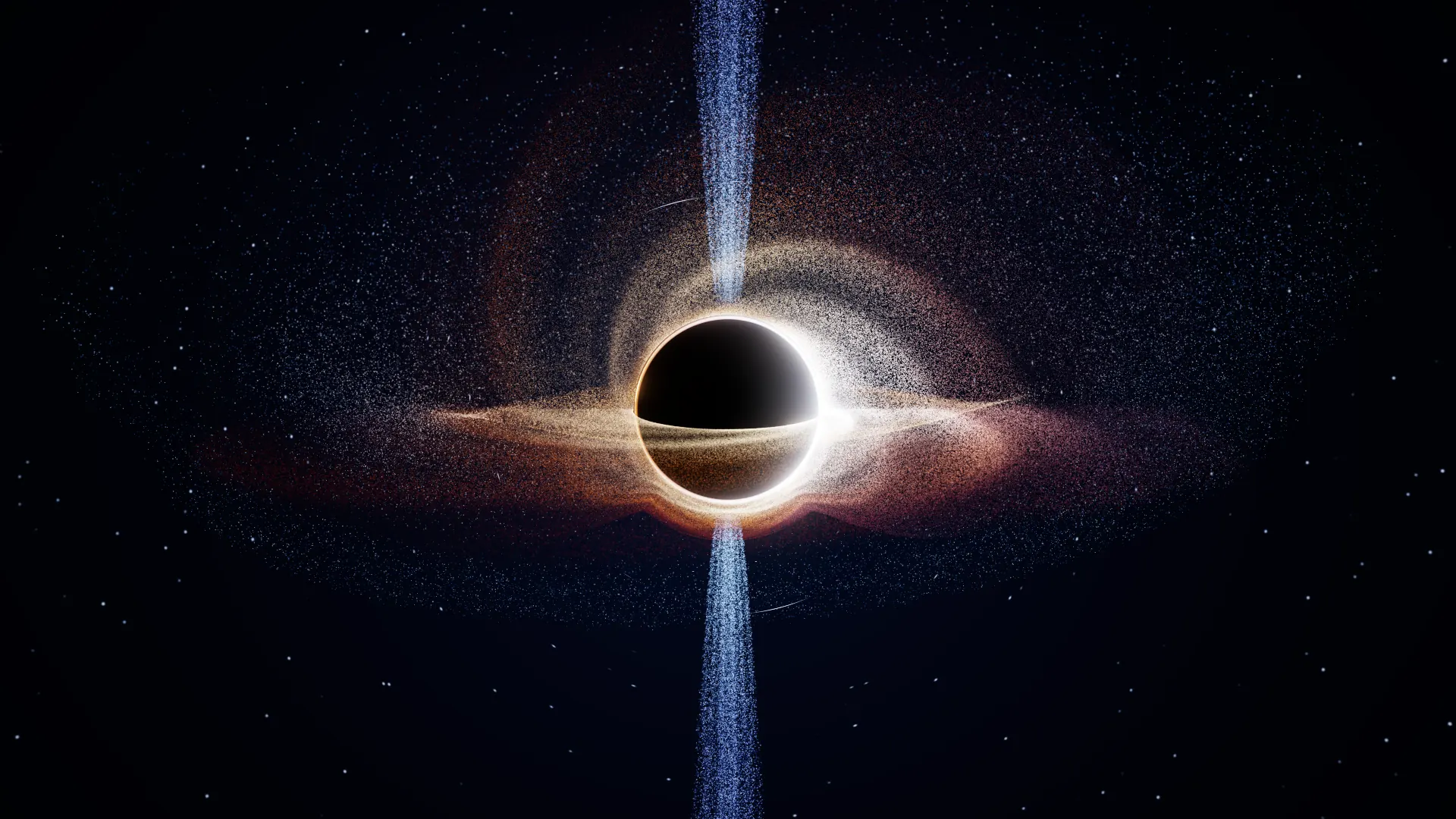
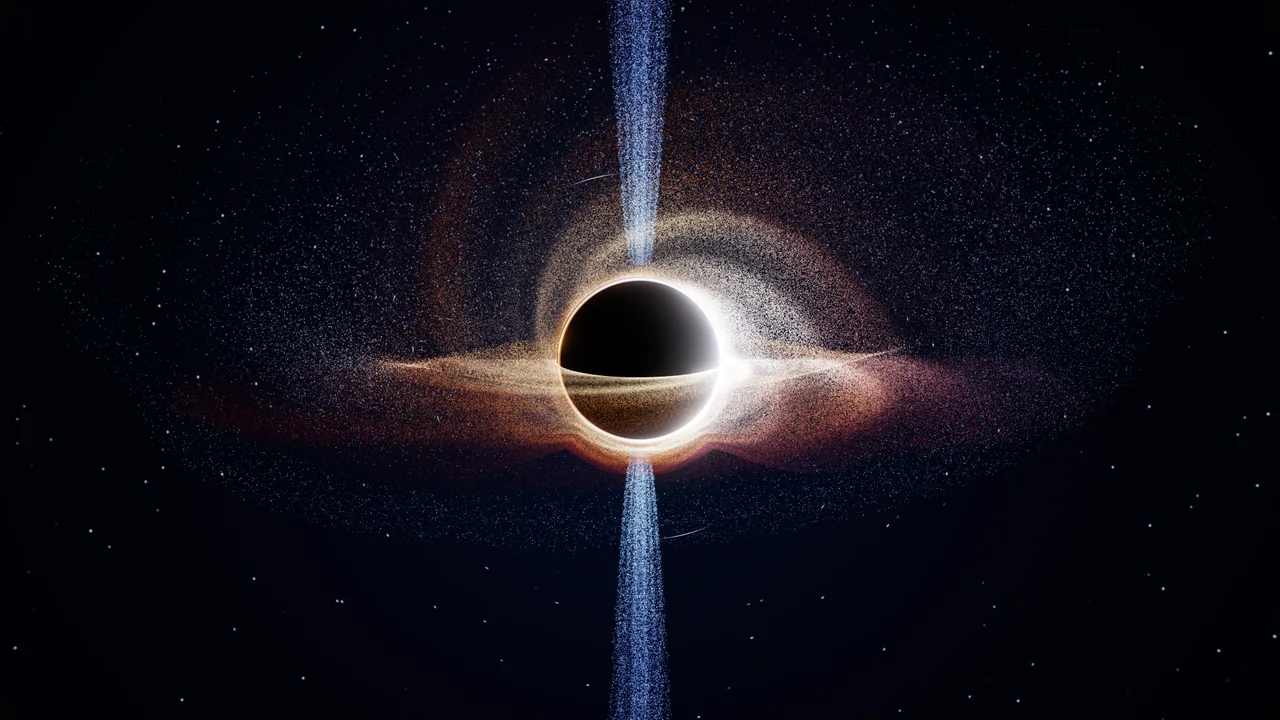
Spinning black hole
“A spinning Kerr black hole with a Doppler-beamed accretion disk, a tidal disruption stream and braided polar jets.”
Open in the studioMeta Global AI Developer Hackathon 2026 · Indie track
Turn an idea into a living 3D world. Explore it in your browser, then make it a film.
Or try Black hole Magnetar Storm
Running live on your computer · this is not a video
How it works
Type an idea, or pick one. Meta's models plan the scene and write how it moves and how it looks, and your browser checks that code on your device before it runs.
It's alive, not a recording. Drag to look around. Slide to change the spin, the wind or the glow. Save a few camera views and the camera glides between them.
Pick wide, vertical or square. Snap a photo, or record a video in HD or Full HD. Your computer draws every frame at full quality.
Showcase
Playground examples, written by hand to show what the studio runs. Open any of them in the studio and make it yours. These frames are real renders, not concept art.
“A spinning Kerr black hole with a Doppler-beamed accretion disk, a tidal disruption stream and braided polar jets.”
Open in the studio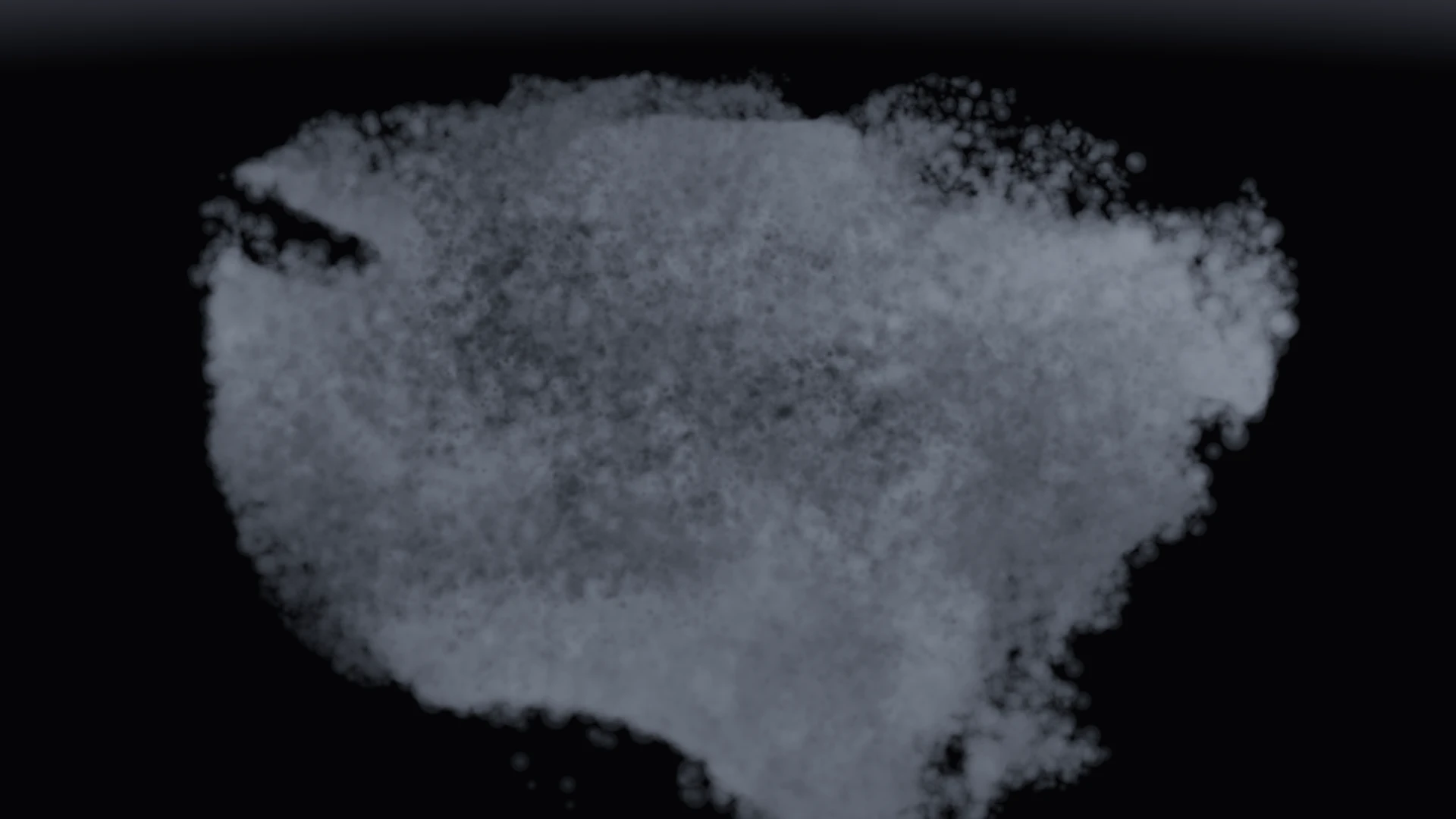
“A dark thunderstorm cloud that churns and turns in place while lightning flickers inside it.”
Open in the studio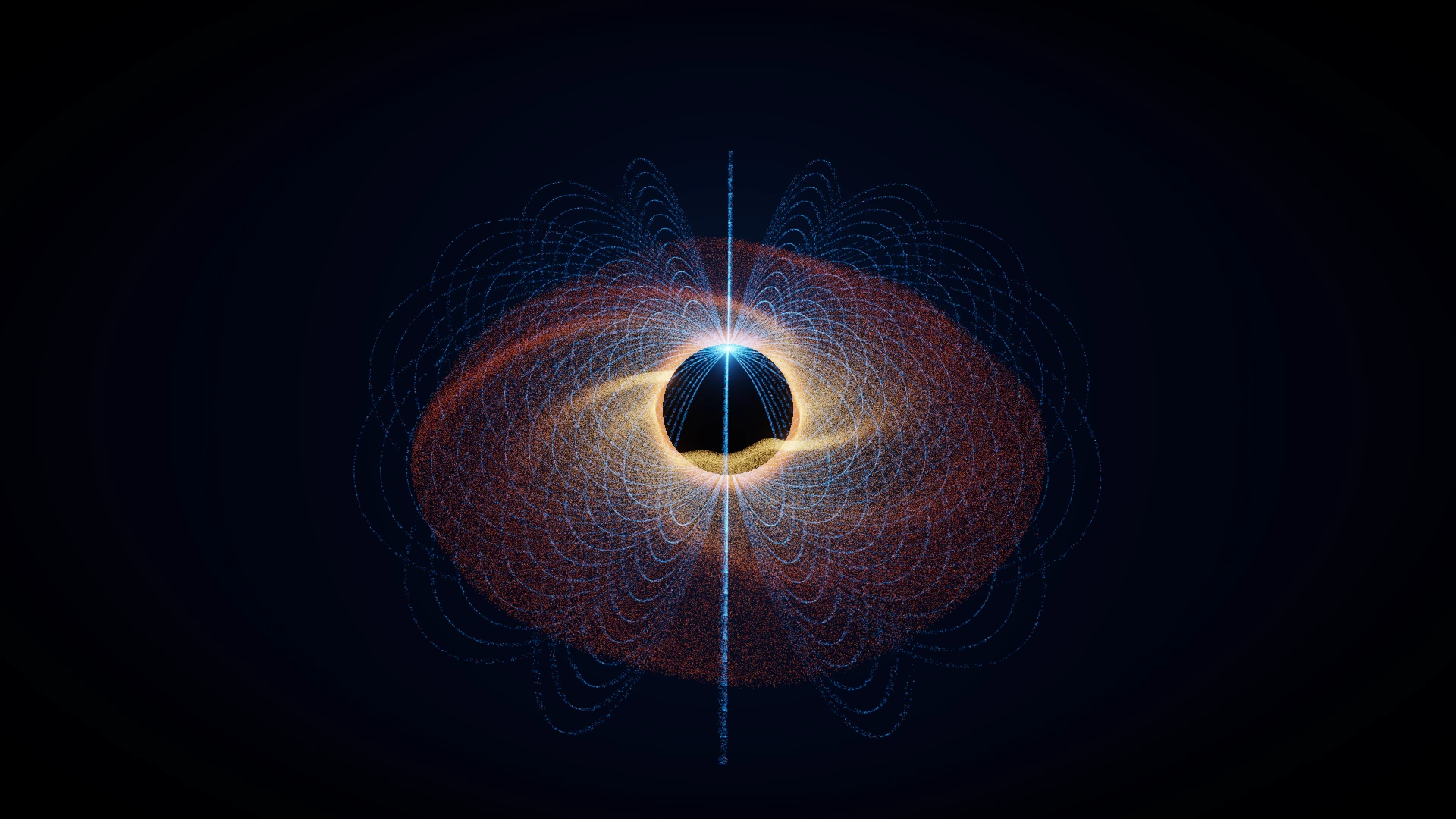
“A magnetar wrapped in a molten plasma disk, with glowing dipole filaments arching between its poles.”
Open in the studioWhy it's different
Built with Meta AI
Turns your sentence into a plan: what's in the scene, how it moves, how it's lit and where the camera goes.
Writes the code that brings the plan to life on your graphics card, and fixes it if a check fails.
In this preview, the studio's worlds are playground examples written by hand; live creation with Meta's models is being connected. The 3D worlds, the controls and the video export are real, and they run on your computer.
For developers: Wexy runs on NullGraph, an open-source WebGPU engine.
Looking ahead
Possible next chapters for Wexy, inspired by NullGraph. These are directions to explore, not features available today or a release schedule.
Atmospheres, changing daylight, fog and layered lighting to give each world a stronger sense of place.
GPU-simulated populations with distinct behaviours, reacting to one another inside the worlds you describe.
Explore policy evaluation and co-evolution: populations adapting through experiments, with earlier behaviours available for comparison.
Recorded simulations, checkpoints and replay to revisit a world, find another camera angle and export a new film.